
Learn Delta Deployment for Salesforce CI/CD
Use sfdx-git-delta to deploy Salesforce changes faster.
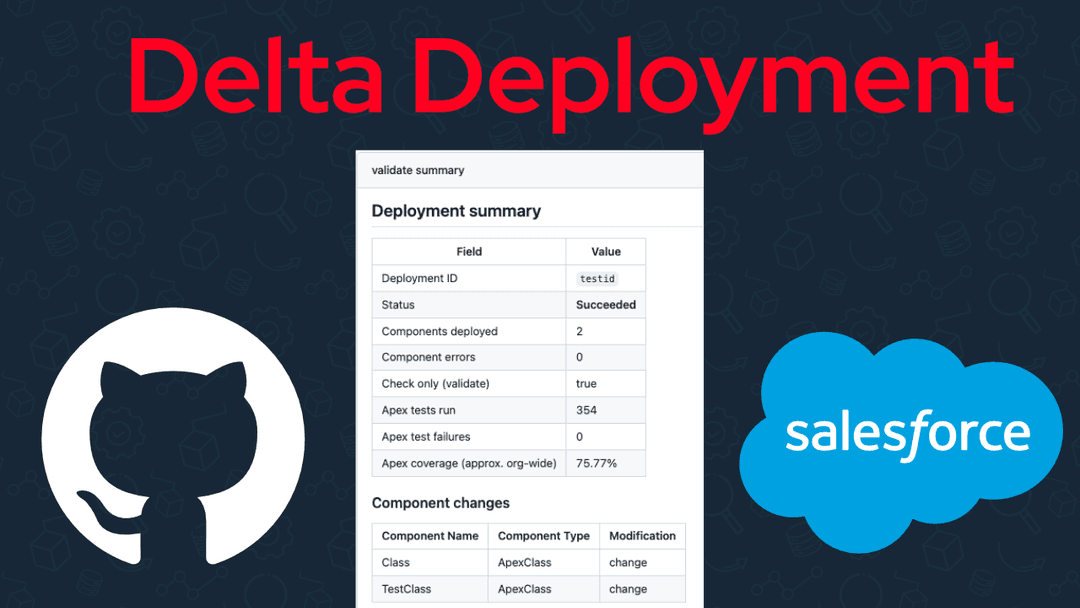
Run your Salesforce deployments faster for free using delta deployments and github actions. Get setup in under 5 minutes.
Features
- Validate changes by opening a PR
- Deploy changes by merging a PR
- Deployment summary
- Delta deployments
Requirements
- npm
- github
Configure
Inside your target repository, run the following command.
npx shadcn@latest add jawills/sf-pipeline/delta-ci-setupThis will copy the pipeline files from this github repository.
Next, you will need to get the Sfdx Auth Url to authenticate your production org.
Run the following command to get your production credentials, replacing your-org with your production org credentials.
sf org auth show-sfdx-auth-url --target-org your-orgThis will output the following:
| KEY | VALUE |
|---|---|
| Sfdx Auth Url | force://PlatformCLI::token--1sync.my.salesforce.com |
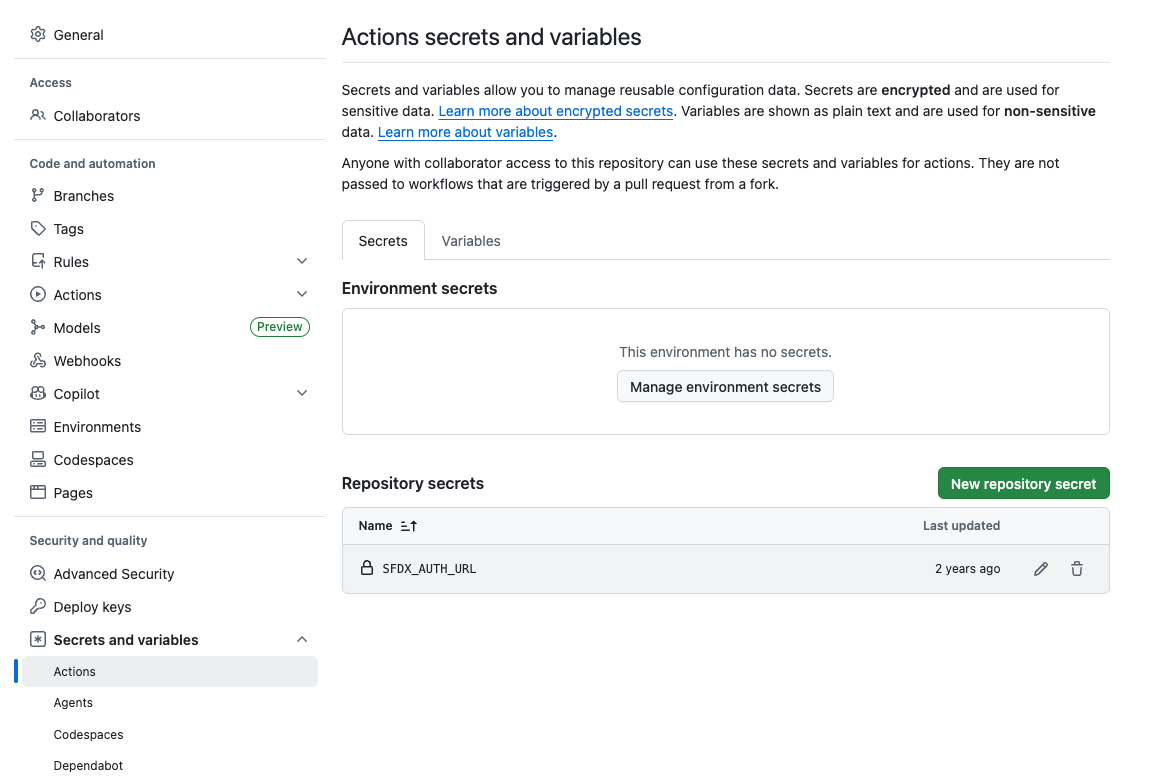
Take the Sfdx Auth Url,and add as the SFDX_AUTH_URL inside your repository settings.
Then when you open a PR to merge from a branch like staging to main, you can see the summary results.
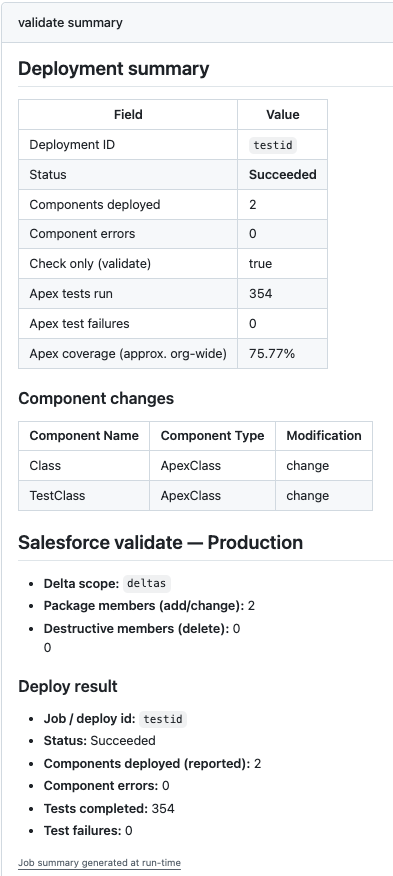
This will validate the changes to the target environment when you open a pull request, and deploy the changes when you merge the pull request.
How it works
The sf-pipeline uses sfdx-git-delta under the hood from Sebastien to generate the package.xml needed to deploy Salesforce metadata using the metadata api. Then some light bash scripts wrap the sf cli to run the required scripts.
The github actions are an evolution of this post. You can read more to understand in detail how these scripts work.