
1SYNC helps businesses get their data from all their systems into Salesforce.
Get In Touch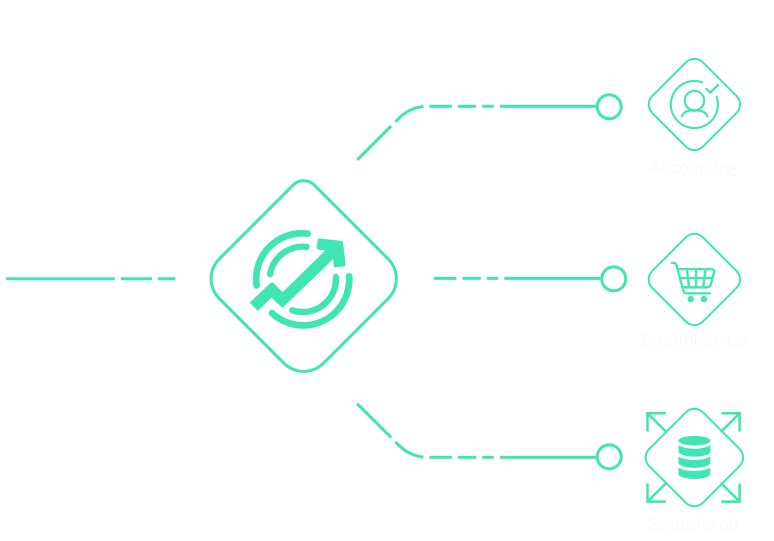
Implement automation to regularly synchronize external data with Salesforce, keeping your CRM system constantly updated and eliminating data gaps.
Incorporate third-party data integration tools to seamlessly merge external data sources with Salesforce, ensuring a complete data ecosystem for robust reporting.
Use the same apps that dozens of other companies use to gain insight from other systems.
At 1Sync, we are committed to helping businesses harness the full potential of Salesforce. We offer a wide range of apps that empower your organization to succeed in the digital age.
Use the apps our team built that dozens of other companies use that can be customized to your business process.
Our team will help get you running with the best practices to move faster.
We provide on-going support with our apps to ensure that your org is moving smoothly with the latest Salesforce changes.

Get your Salesforce data into Quickbooks with QIME. Sync all your accounting data and sales data for a streamlined workflow between teams.
Contact for pricing
Learn More
CRMadmin is a Salesforce app that allows you to perform admin tasks faster. It can be used to create email reports, create custom objects, and more.
Get In Touch For Beta Access
Learn MoreExplore data structure and requirements for your data integration.
Turn your business requirements into a working integration
Validate the integration with your data
Deploy the integration to your Salesforce instance
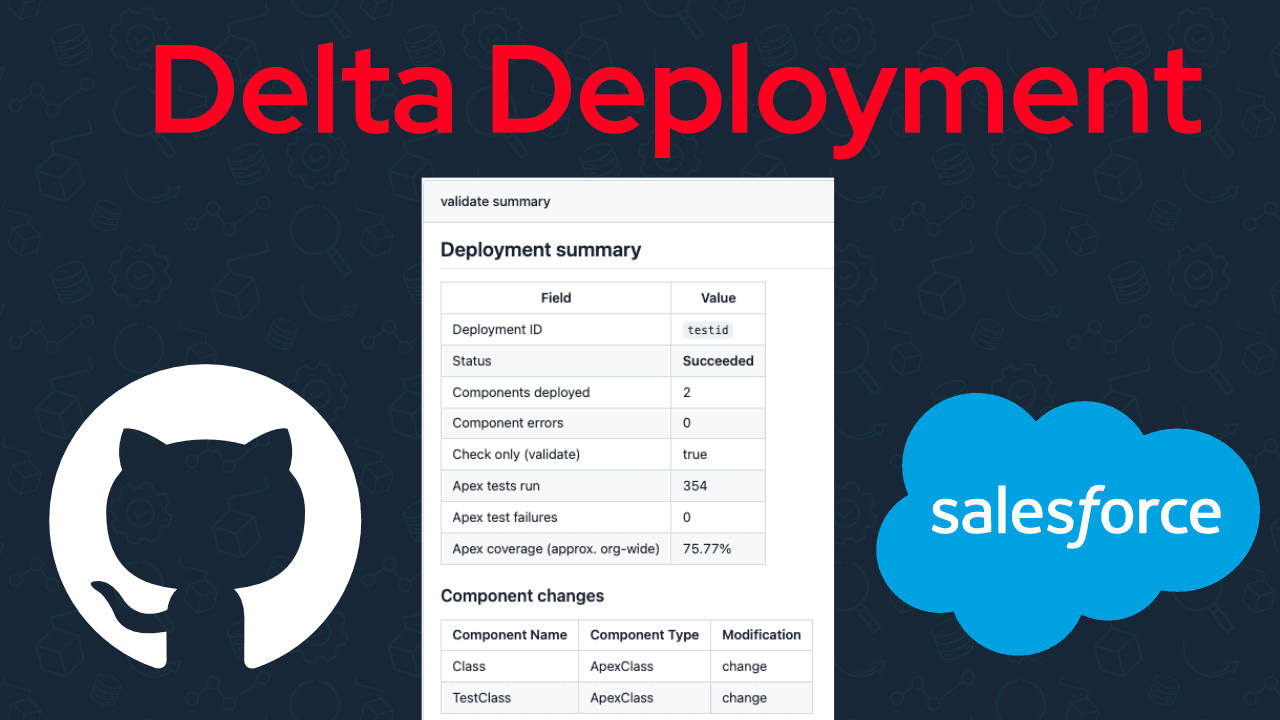
Use sfdx-git-delta to deploy Salesforce changes faster.
Read More
Learn how to install and configure Nebula Logger in Salesforce to replace debug logs with persistent, searchable logging and real-time notifications.
Read More
Mass delete files, download files, search files, and view related email attatchments for a record in Salesforce.
Read More
Efficiently process large Salesforce datasets with Apex cursors. Learn how to handle millions of records, avoid limits, and use getQueryLocator.
Read More
Join dozens of other companies by learning how you can get all your company's data in one place.
Get In Touch